
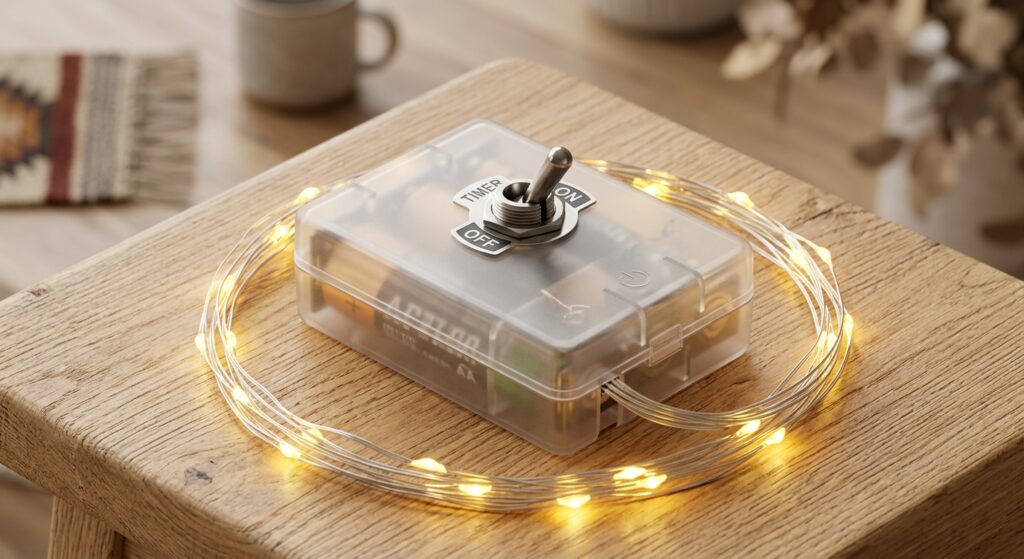
If your string lights, fairy lights, or Christmas lights turn on by themselves at the same time every day, the timer is probably active. In most cases, you can stop the cycle by switching the battery box to OFF or TIMER OFF, using the remote to cancel the timer, or removing the batteries to clear the stored schedule.
Many battery-operated decorative lights, including battery operated fairy lights and battery powered string lights, use a simple daily timer, often 6 hours on and 18 hours off. That setup is convenient when you want lights to come on automatically every evening, but it can be frustrating when you want the lights fully off, want to change the start time, or are not sure which button actually disables the timer.
This guide explains how the timer works, how to turn it off on different types of lights, how to reset it, and what to do if your light set does not have a dedicated timer-off button.
How the timer on decorative lights usually works
Most battery-operated fairy lights, string lights, and some Christmas lights use a repeating 24-hour memory cycle. Once the timer is activated, the lights stay on for a set period, then remain off for the rest of the day, and repeat that same pattern until the timer is canceled or power is removed.
A common example is the 6-hours-on, 18-hours-off cycle. If you switch the timer on at 5:00 PM, the lights should stay on until 11:00 PM, then stay off until 5:00 PM the next day. After that, the cycle repeats automatically.
This is why many people think their lights are malfunctioning when they turn on by themselves. Usually, the lights are simply following the timer that was previously set.
Before you try to turn the timer off
Take a quick look at the power source and controller first. That will tell you which method applies to your light set.
- Check whether the lights are battery operated or plug-in string lights.
- Open the battery box and look for a switch labeled OFF, ON, TIMER, TIMER ON, or TIMER OFF.
- See whether your set has a remote control or in-line controller.
- Notice whether there is a small indicator light showing that timer mode is active.
Once you know which control system your lights use, turning the timer off is usually simple.
How to turn off the timer on string lights or fairy lights
1. Lights with no timer button and no remote
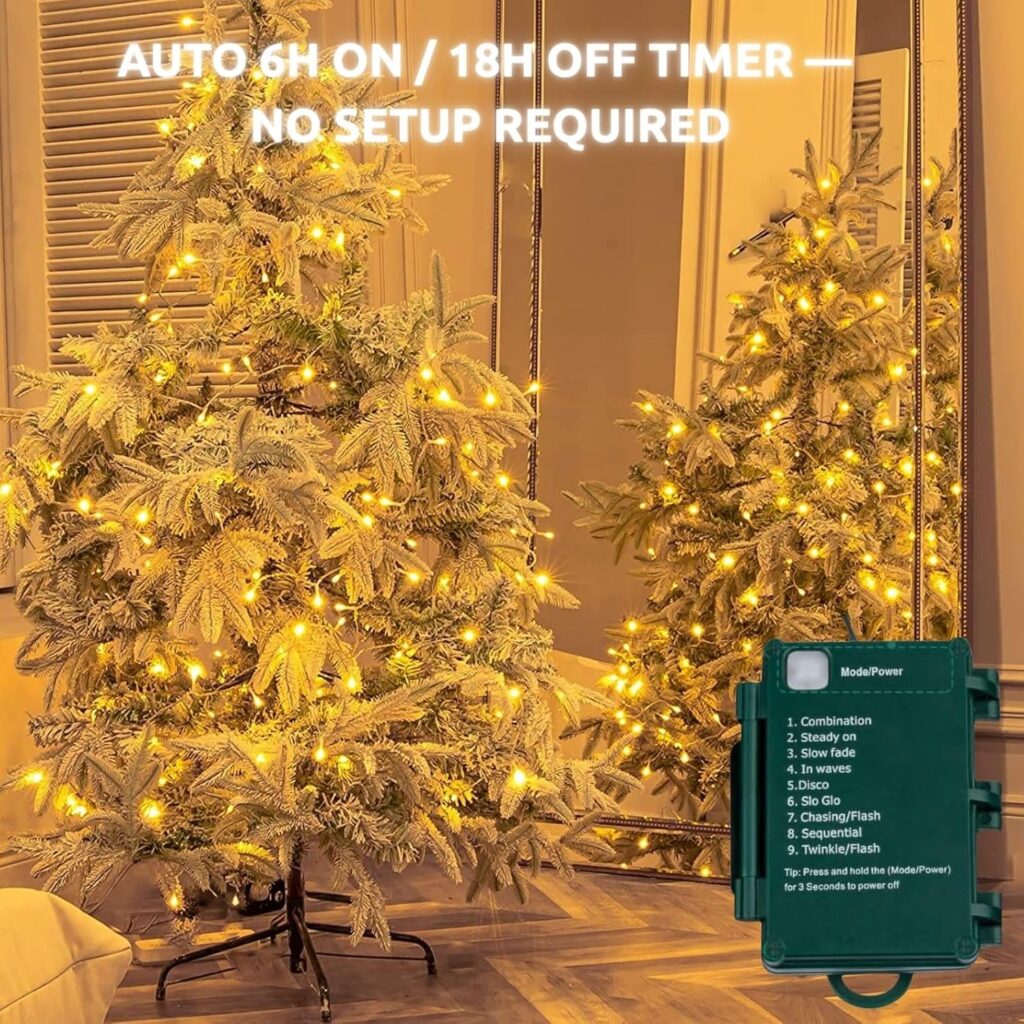
Some basic battery-operated string lights and fairy lights do not have a dedicated timer-off option. If that is the case, the easiest way to stop the timer is to remove the batteries or disconnect the power source completely.
Once power is removed, the stored timer cycle is usually cleared. When you turn the lights back on, any new timer cycle starts from that new moment rather than from the previous schedule.
2. Lights with a slide switch inside the battery box
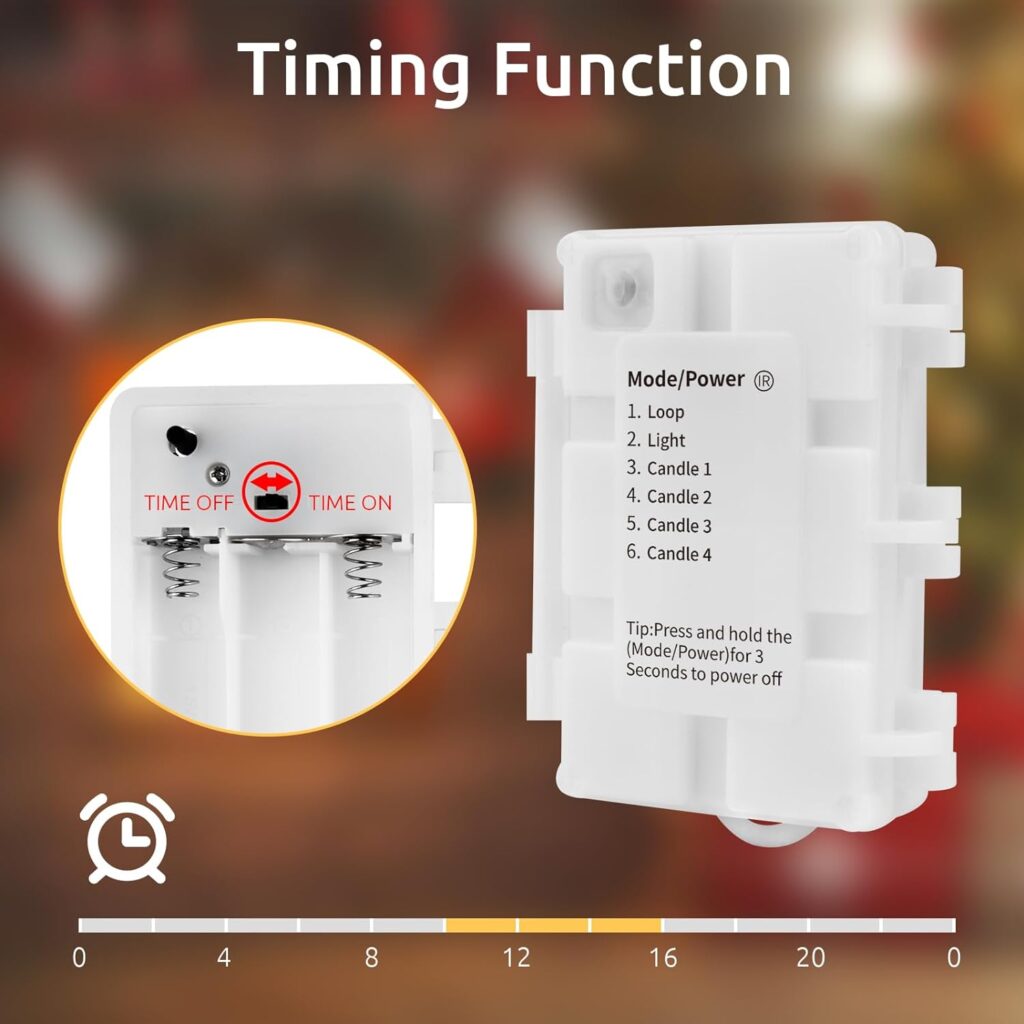
Many Christmas lights and decorative light strings use a small switch inside the battery compartment. Common labels include OFF, ON, TIMER ON, and TIMER OFF.
If your set has this type of switch, move it to OFF or TIMER OFF. That should stop the automatic daily cycle right away. If your model also has a timer indicator light, an illuminated indicator usually means the timer is on, while no indicator usually means the timer is off.
3. Lights with a remote control
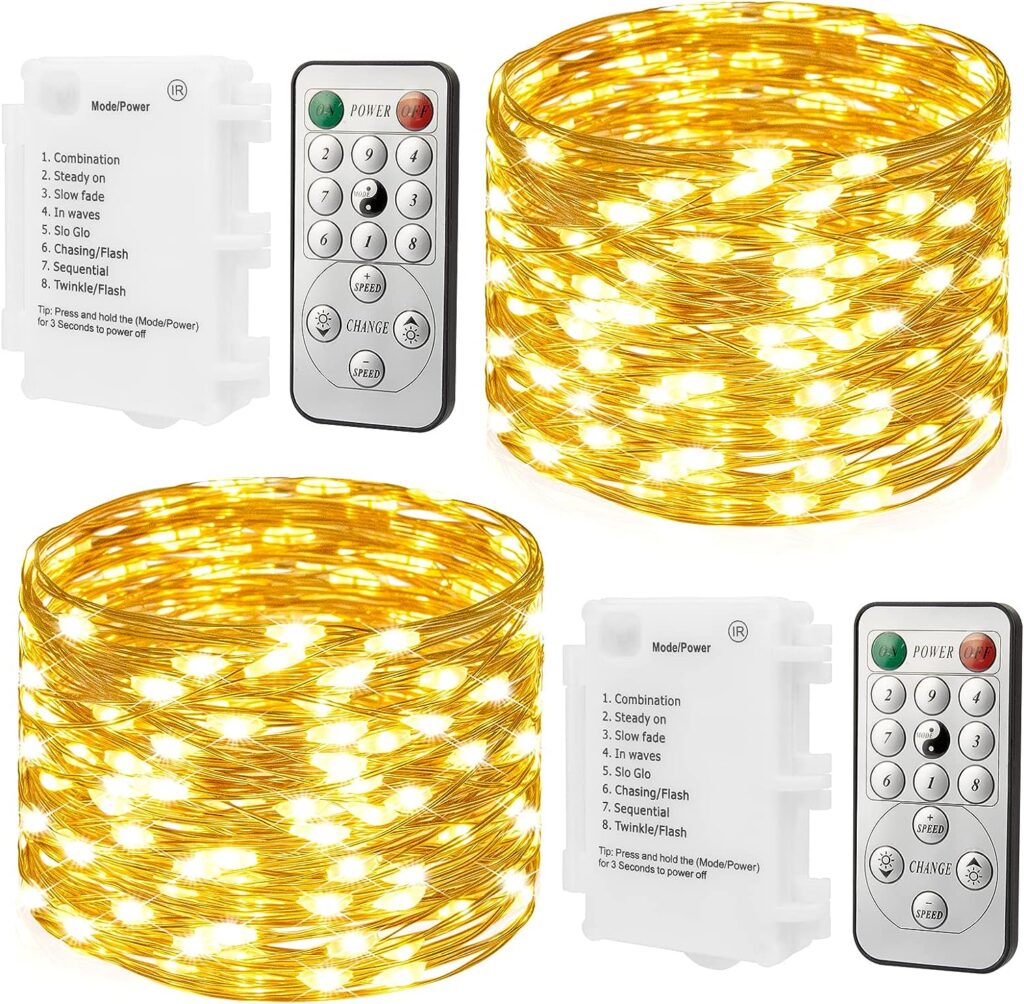
Remote-controlled fairy lights and string lights are often easier to manage because the timer can usually be turned off without opening the battery box. Depending on the model, you may be able to press OFF, choose a manual mode, or use a dedicated timer button to cancel the schedule.
If the remote is missing, check the battery box to see whether there is also a physical switch you can use. If not, contact the seller or brand support with your order details and controller model so they can help identify a compatible replacement.
4. Plug-in lights with a controller or timer function
Some plug-in Christmas lights also include a timer through an in-line controller or adapter. If your lights plug into the wall but still turn on automatically, inspect the control box for a timer setting, memory function, or scheduling button. If there is no separate timer setting, unplugging the set may clear the stored cycle on some models.
The exact behavior depends on the controller design, so it is worth checking the instruction manual if your plug-in lights resume the same schedule after being plugged back in.
How to reset the timer on Christmas lights
If your Christmas lights turn on at the wrong time every day, the timer is probably still active but was started at a different hour than you wanted. Resetting the timer is usually the best fix.
- Turn the lights fully off by switching to OFF, switching to TIMER OFF, or removing the batteries.
- Wait a few seconds so the current timer cycle clears.
- Turn the lights back on at the exact time you want the new daily cycle to begin.
- If your model uses a separate TIMER ON setting, activate it at that exact moment.
That new time becomes the starting point for the next 24-hour cycle. For example, if you want the lights to come on every day at 7:00 PM, set the timer at 7:00 PM, not earlier in the afternoon.
Why your string lights turn on by themselves
When lights switch on by themselves at the same hour every day, that usually points to a stored timer rather than a wiring fault. The repeating pattern is the biggest clue. If the lights activate randomly with no pattern, then the issue may be something else, such as a controller problem or unstable power connection.
If the timing is consistent, look for one of these causes:
- The timer was turned on accidentally while changing modes.
- The battery box is still set to TIMER ON.
- The remote activated a stored schedule without you realizing it.
- The lights were powered on earlier, and the timer cycle has been repeating since then.
Why fairy lights may not stay off
If your fairy lights will not stay off, the most common reason is that the timer was never fully canceled. Pressing a mode button can change the lighting pattern without actually disabling the stored daily schedule.
Try these checks:
- Make sure the switch is set to OFF or TIMER OFF, not just a different lighting mode.
- Remove the batteries for a few seconds if there is no separate timer-off switch.
- Check whether the remote has a timer button that needs to be canceled separately.
- Inspect the battery box labels carefully, because some controllers separate power and timer controls.
If the lights still behave the same way after clearing the timer, the problem may not be the timer at all. At that point, it makes sense to test fresh batteries, inspect the contacts, and review the product instructions for that specific controller.
Common questions about light timers
Can I change the 6-hours-on, 18-hours-off setting?
Usually no. On many battery-operated string lights and Christmas lights, the timer cycle is fixed. You can often change when the cycle starts, but not the length of the on-and-off schedule, unless the controller is a more advanced model with custom timing options.
Do all Christmas lights have a timer?
No. Some light sets have no timer at all. Others have a built-in timer that activates through the battery box, remote, or controller. Battery-operated lights are more likely to include this feature than simple plug-in sets, but it varies by model.
Does removing the batteries erase the timer?
In many cases, yes. Removing the batteries or disconnecting the power source clears the timer memory. Once power is restored, the next time you switch the lights on becomes the new starting point if you activate the timer again.
What should I do if I lost the remote?
First, check whether the battery box has a manual switch that can still control power and timer settings. If not, contact the seller or manufacturer and keep your order information ready. That makes it easier to match the correct replacement remote or controller.
A simple tip before the holiday season
Before decorating for a new season, test each set of lights for a few minutes and check how the battery box or controller is labeled. It is much easier to understand the timer before the lights are wrapped around a tree, window, or railing.
If you use multiple sets around your home, such as bedroom fairy lights, patio string lights, and indoor Christmas lights, set them at the same hour if you want them to turn on together. It saves time and makes the display easier to manage.
In short, if your lights keep turning on by themselves, the timer is usually doing exactly what it was programmed to do. Once you identify whether your set uses a battery-box switch, remote, or simple memory cycle, you can turn the timer off or reset it in a minute or two.